
LINE
Communication
Advertisement
Before You Download
System Compatibility
The app is built for modern Android and iOS devices. Performance can vary with your device model, operating system version, and available storage. Keeping the app updated helps maintain smooth operation.
Permission Access
The app may request access to storage, camera, microphone, notifications, or other features needed for its core functions. Review each prompt and grant only the permissions you are comfortable with.
Update Content
Updates may add new features, improve performance, fix bugs, and adjust compatibility. Check the official store listing for the latest version and release notes before updating.
FAQ
What is LINE used for?
In practice: LINE is a communication app for sending messages, making voice and video calls, creating group chats, and sharing photos, videos, stickers, and other content.
Can I make free calls with LINE?
In practice: LINE supports voice and video calls between users over an internet connection. In practice: Mobile data charges may apply depending on your network plan.
Can I use LINE on multiple devices?
LINE can be used on supported secondary devices including computers and tablets, though available features and login options may differ by device.
Why am I not receiving LINE notifications?
In practice: Check LINE’s notification settings and your device permissions. In practice: Battery-saving or background activity restrictions may also prevent notifications from arriving normally.
How can I keep my LINE account secure?
In practice: Keep your login information private, review account and privacy settings, avoid suspicious links, and use available security features to protect your account.
Advertisement
Download
Information
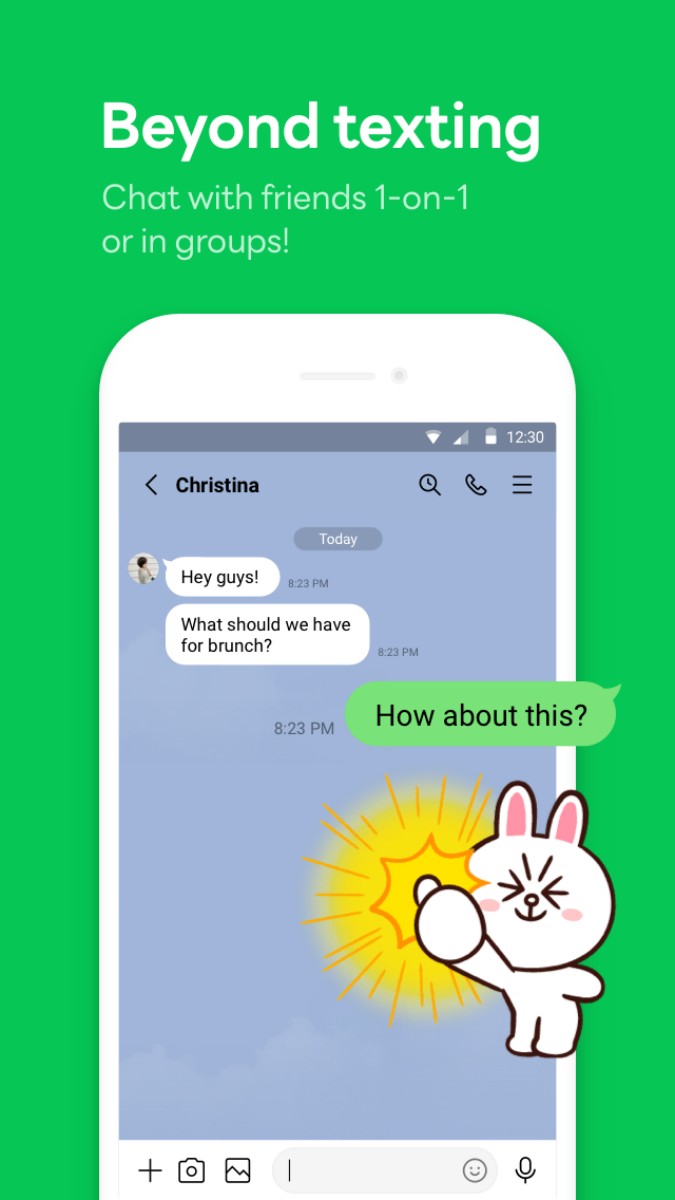

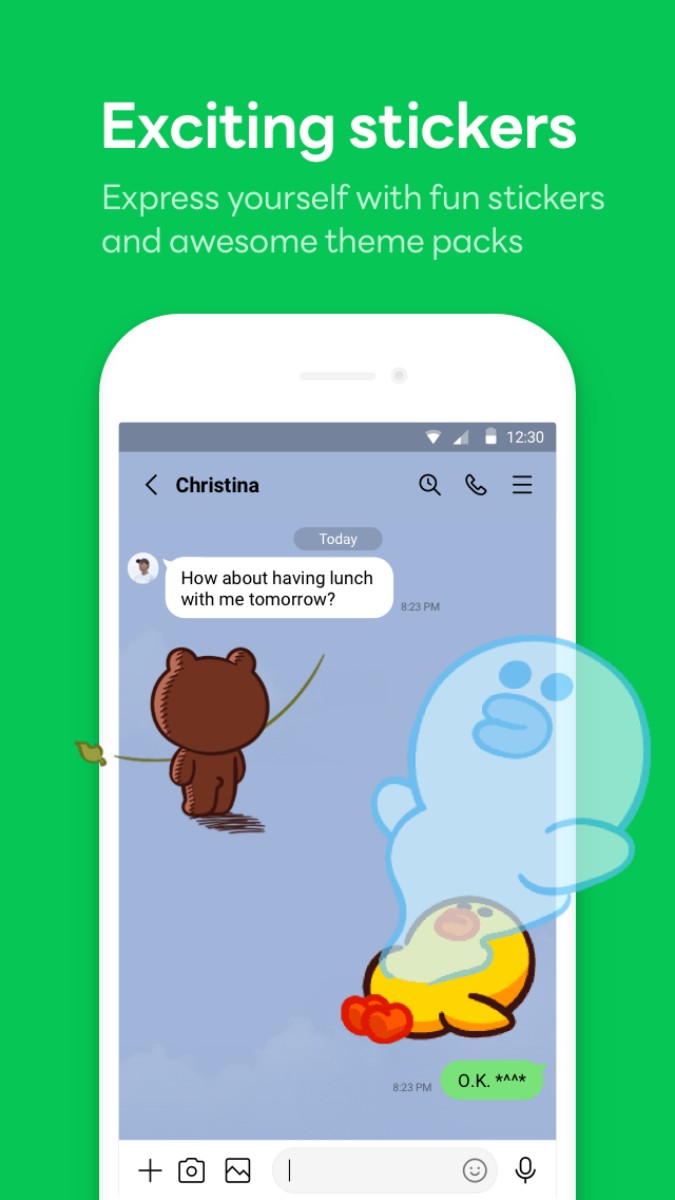
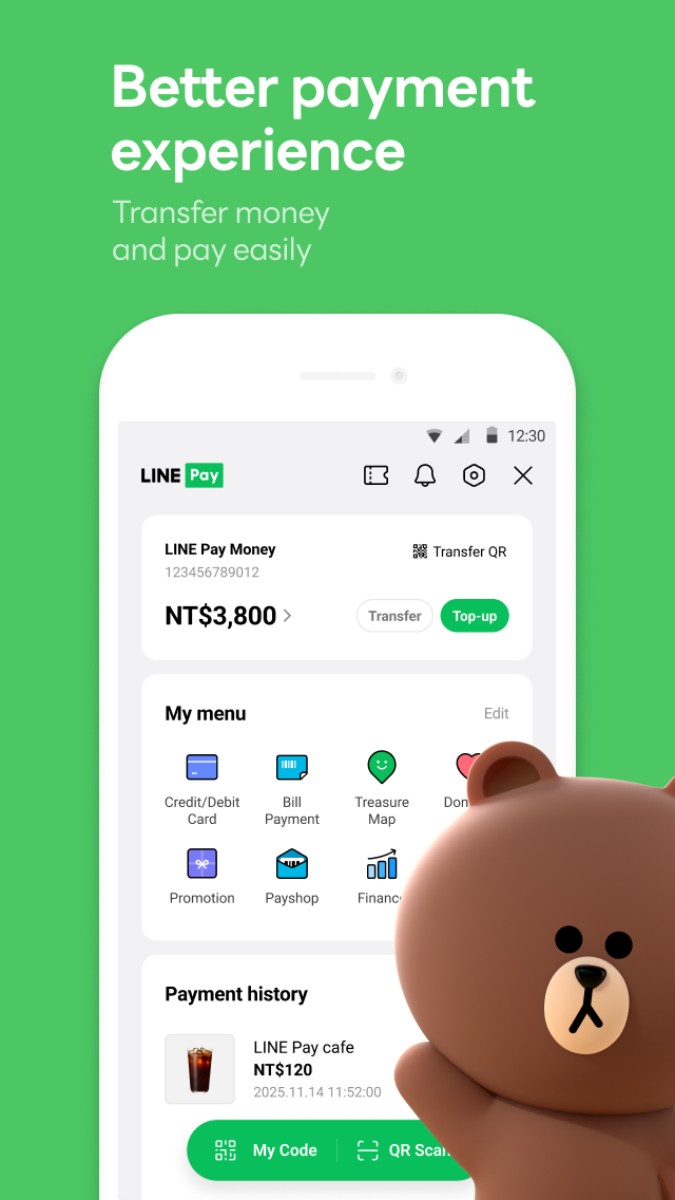
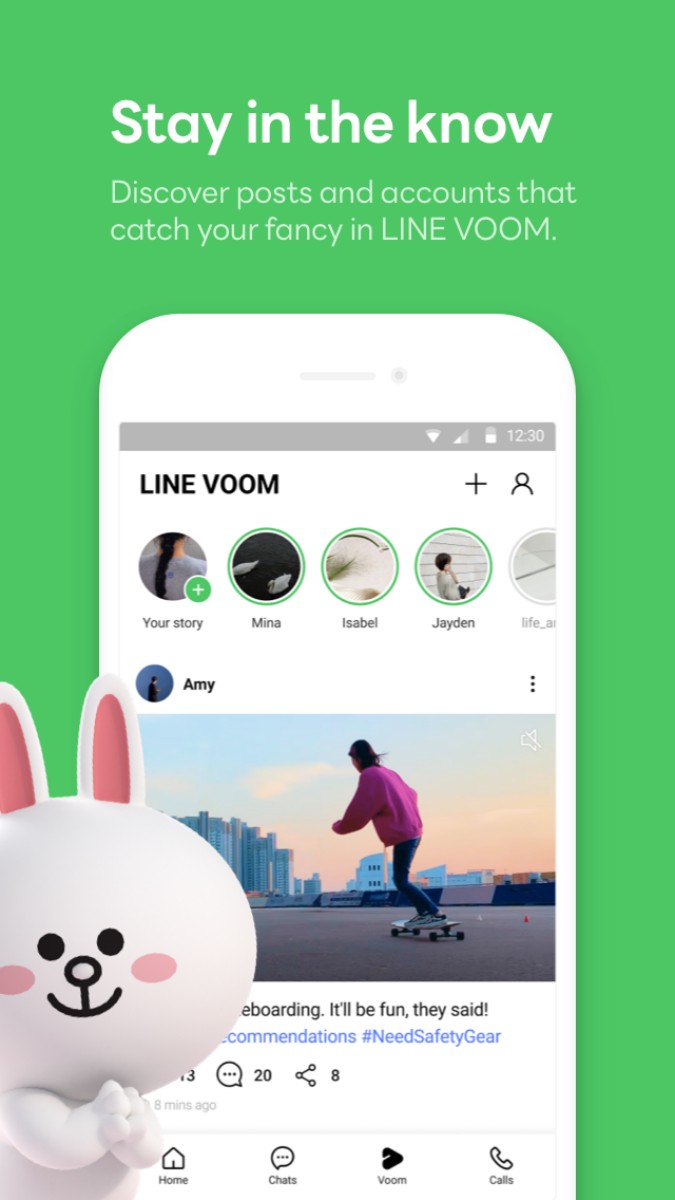
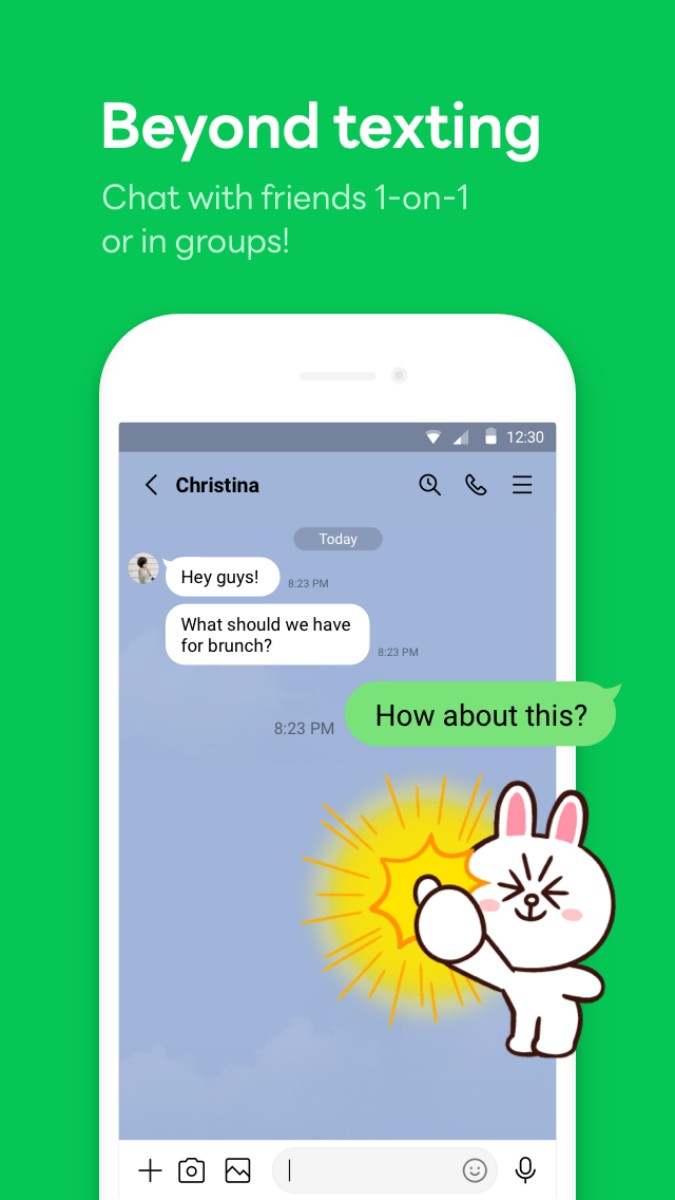
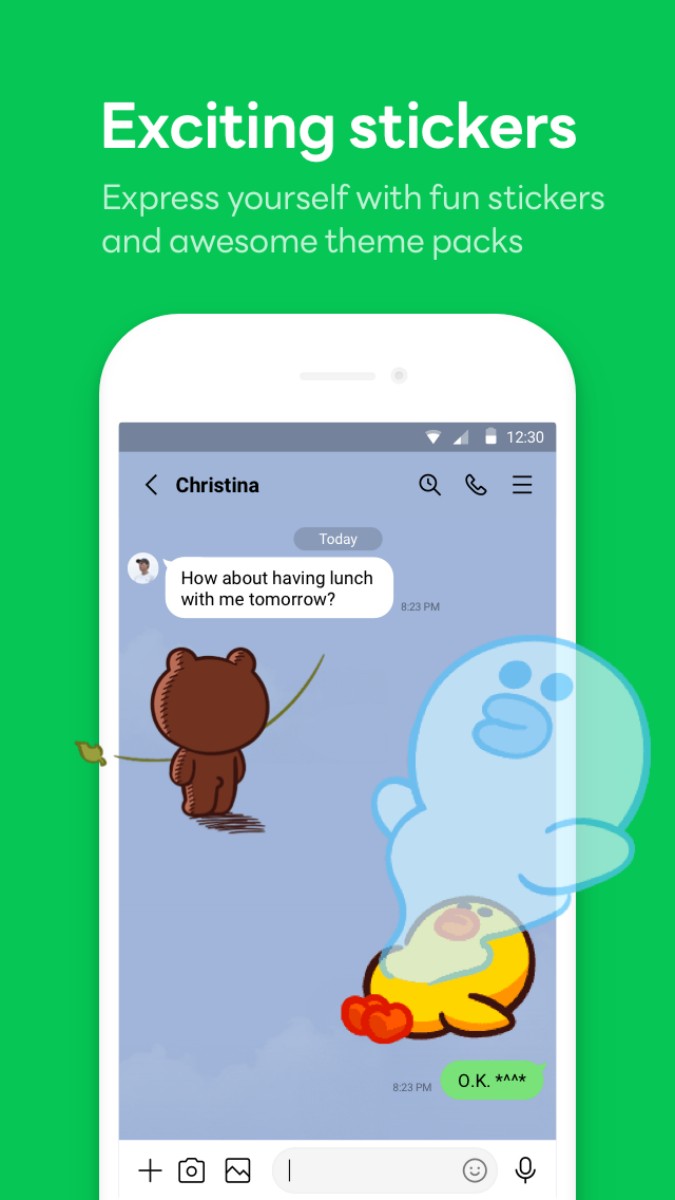
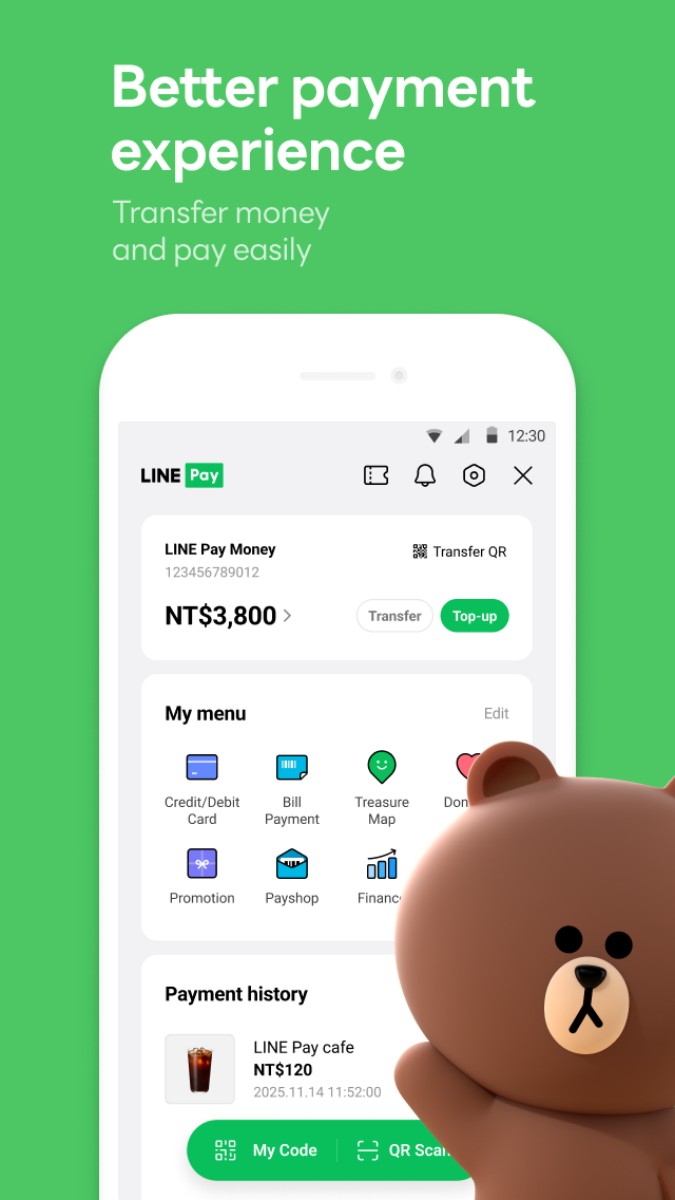
LINE is a messaging app that covers the routines of daily communication: chatting, calling, sharing photos and files, and staying in touch with groups. Its sticker culture and familiar interface have made it a common choice for friends, families, and workplaces.
The app goes beyond text messages with voice and video calls, timeline posts, and a range of lifestyle features. The result is a communication hub rather than a single-purpose chat tool.
One-to-one and group chats support text, photos, video, voice messages, and files.
Voice and video calls work over an internet connection.
Stickers and emoji add personality to everyday conversations.
Timeline and social features provide another way to share updates with contacts.
LINE is for people who want a familiar, all-in-one communication app for friends, family, and work. It is especially useful for groups that already use LINE, since the value of a messaging app grows with the people you can reach.